
A New Office Built for Engineers: Networking a Global Tech Manufacturer
At a glance
Client: Bozeman Engineering firm
Type: Engineering office, new build-out
Services: structured cabling, Ubiquiti network infrastructure, Fortinet firewall, shared CAD storage, WiFi, security cameras, facial and card door access, internet handoff coordination
Scale: About 800 feet of Cat6, nine floor boxes, network, cameras, and access control in one build
Platforms: Ubiquiti, Fortinet, Yellowstone Fiber
The constraint
The company was moving into a new office, and the network had to keep up with the way its engineers work. Their team moves large CAD files all day, and several people often open the same assemblies at once from shared storage. A network that makes engineers wait on files costs real time. On top of that, the install had to fit the construction schedule, and the building had brick exterior walls, an attic, and a crawl space to work through.
Starting from the client's design
The company's design engineer had already put together an equipment list for a full Ubiquiti and Fortinet system. We reviewed it with him line by line. Our systems engineer found that the main switch on the list couldn't power cameras, access points, or door hardware, so we moved to a PoE model. We kept the high-speed aggregation layer he planned, because it gives the CAD workstations a fast, dedicated path to shared storage. We also worked with Yellowstone Fiber to settle the internet handoff into the Fortinet firewall before install day.
Storage built for big files
Shared files live on a multi-bay network storage appliance connected through that aggregation layer, so large assemblies open and save at local-network speed instead of crawling across a busy switch. We added a second high-speed drive so the storage caches both reads and writes, which keeps things moving when several engineers are working in the same project at once.
Adjusting as the space took shape
As the layout firmed up, the plan changed with it. Once the design no longer needed a separate gateway, we swapped in a dedicated network controller and moved its storage drive into the camera recorder. Each change went to the client in writing before it was made.
The install
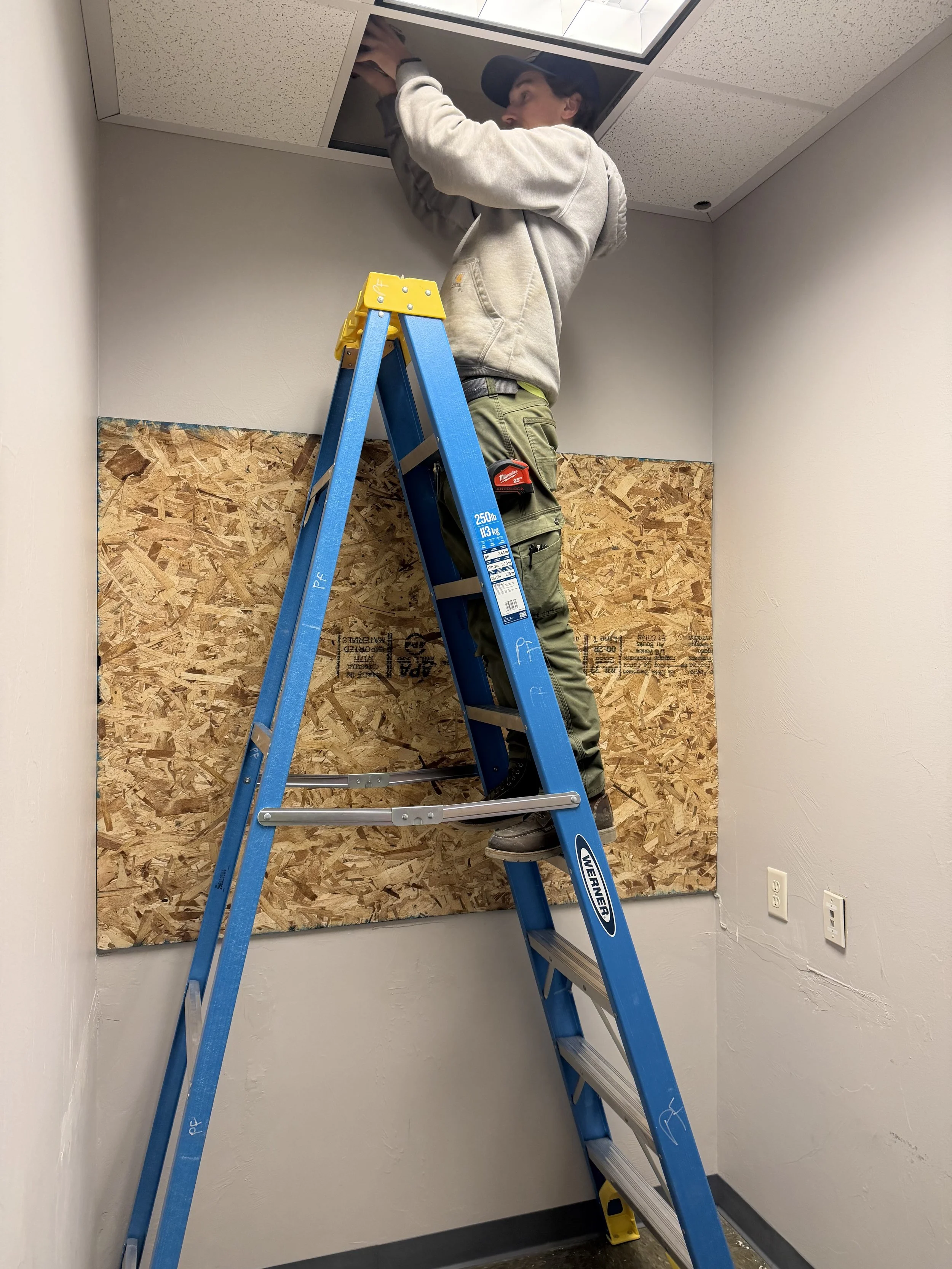
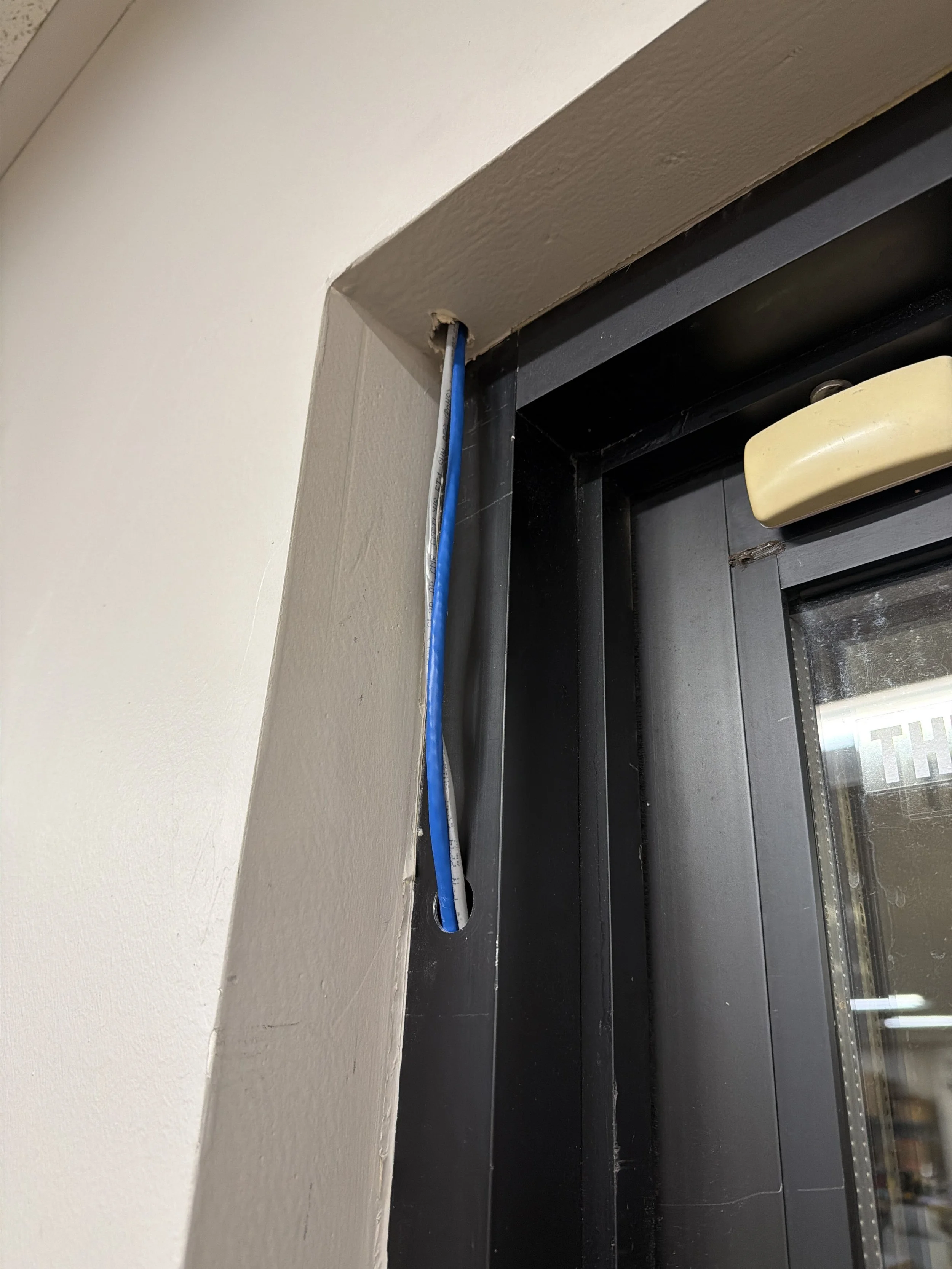
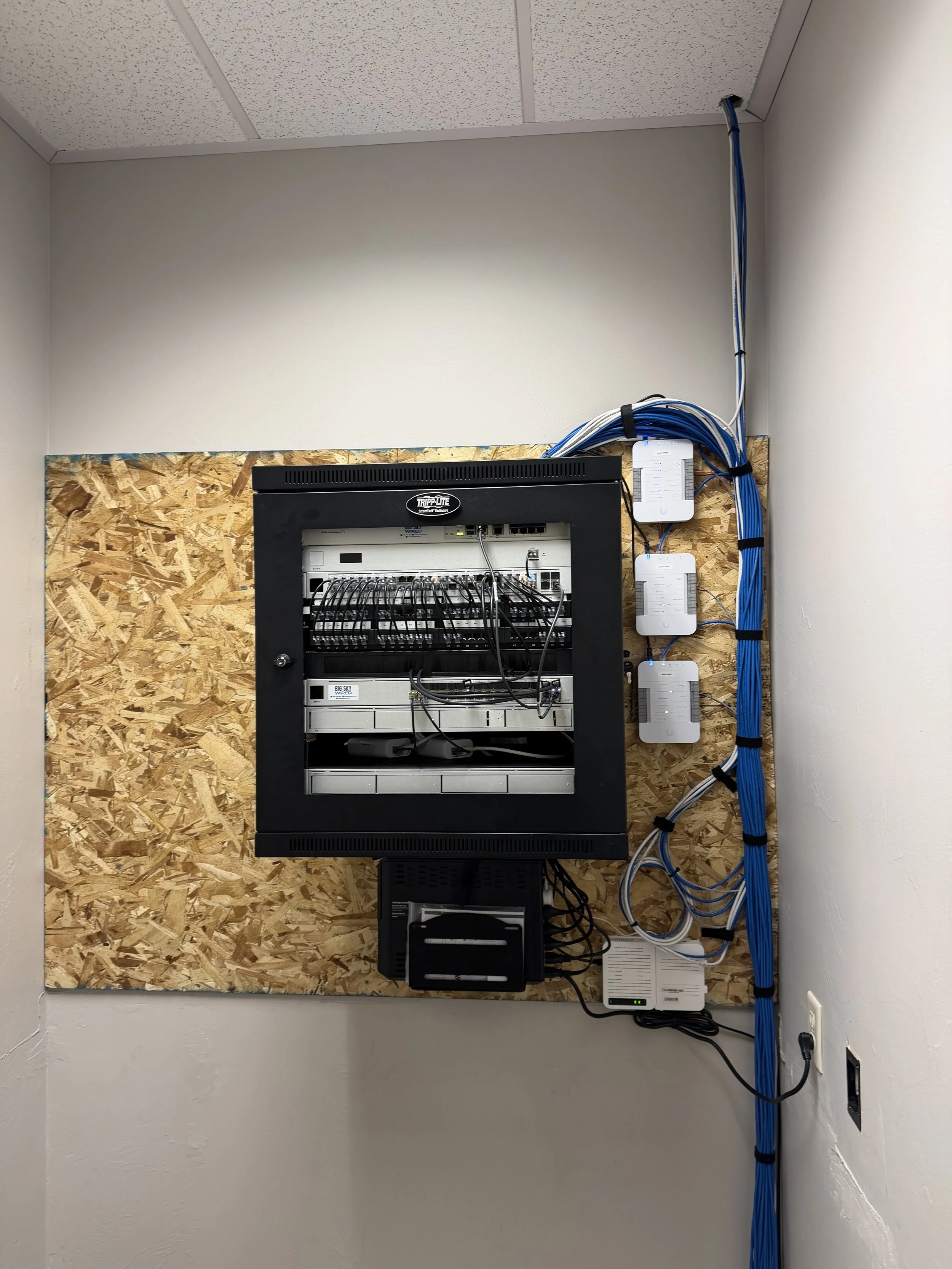
We ran Cat6 to access points, cameras, access readers, workstations, and all nine floor boxes. The electrician set those boxes and we wired them. Between floors, in the attic, and in the crawl space, we routed cable cleanly and swapped out aging Cat5 along the way. Every run was terminated, labeled, and tested.
Cameras and door access
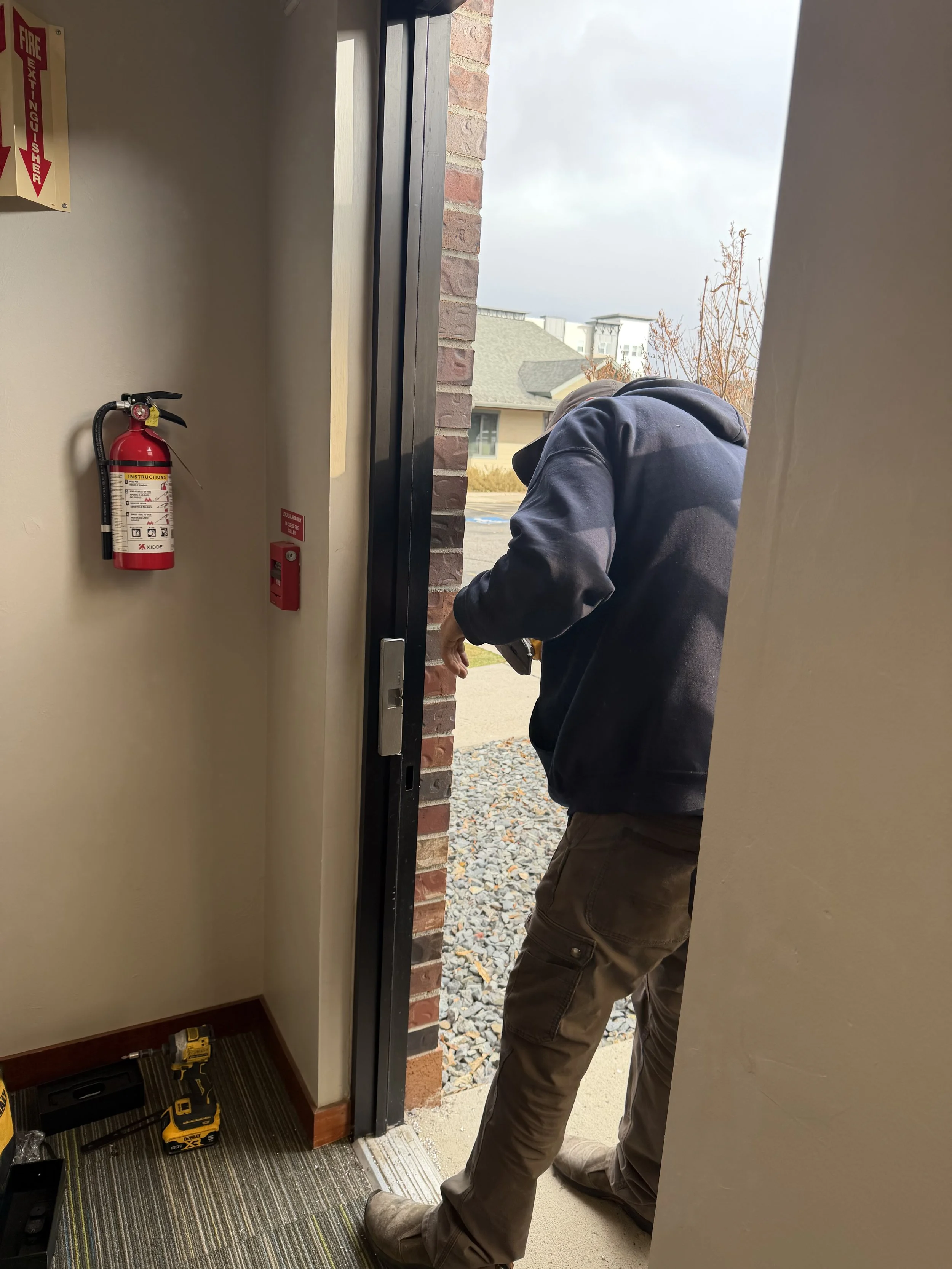
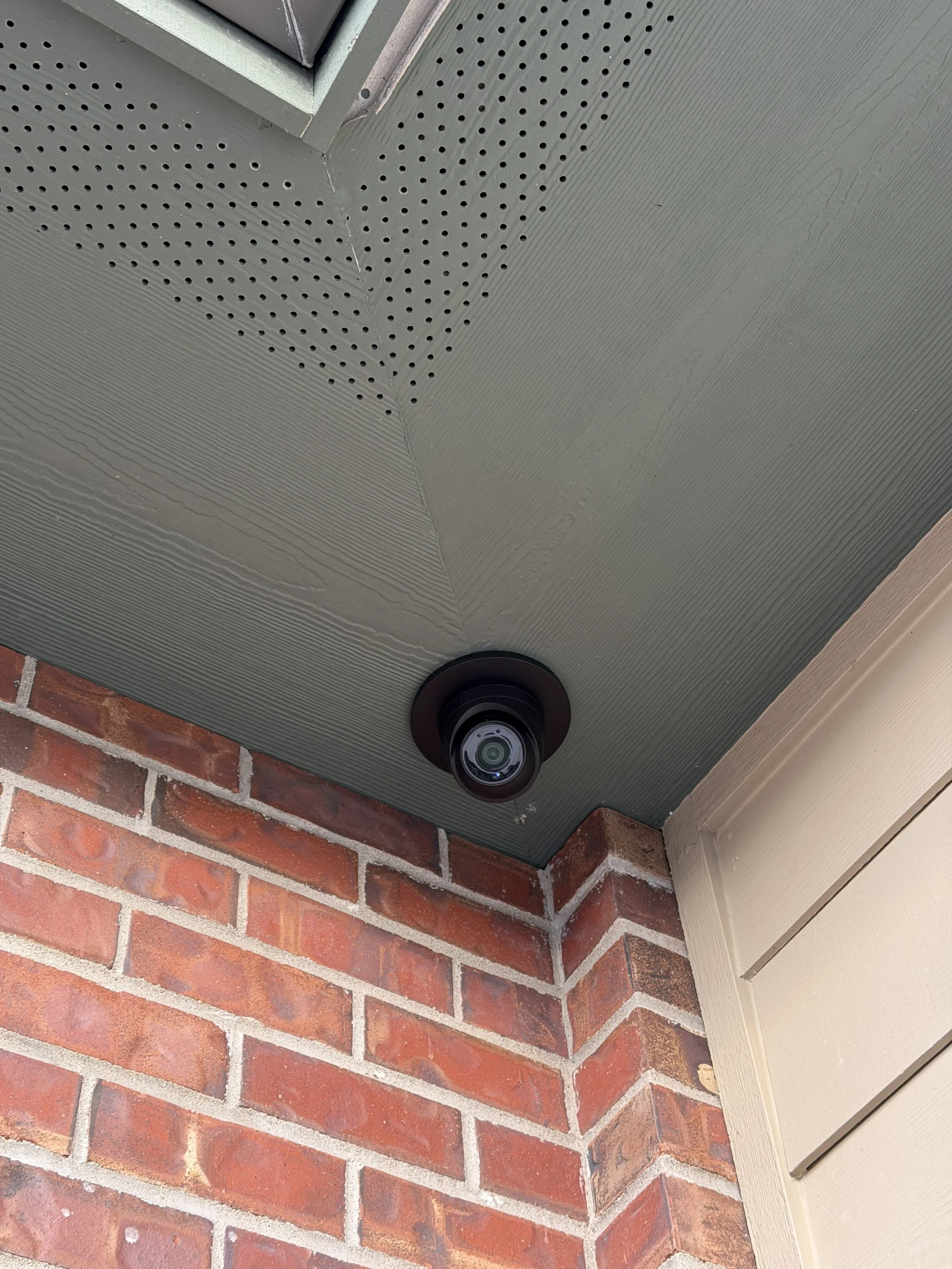
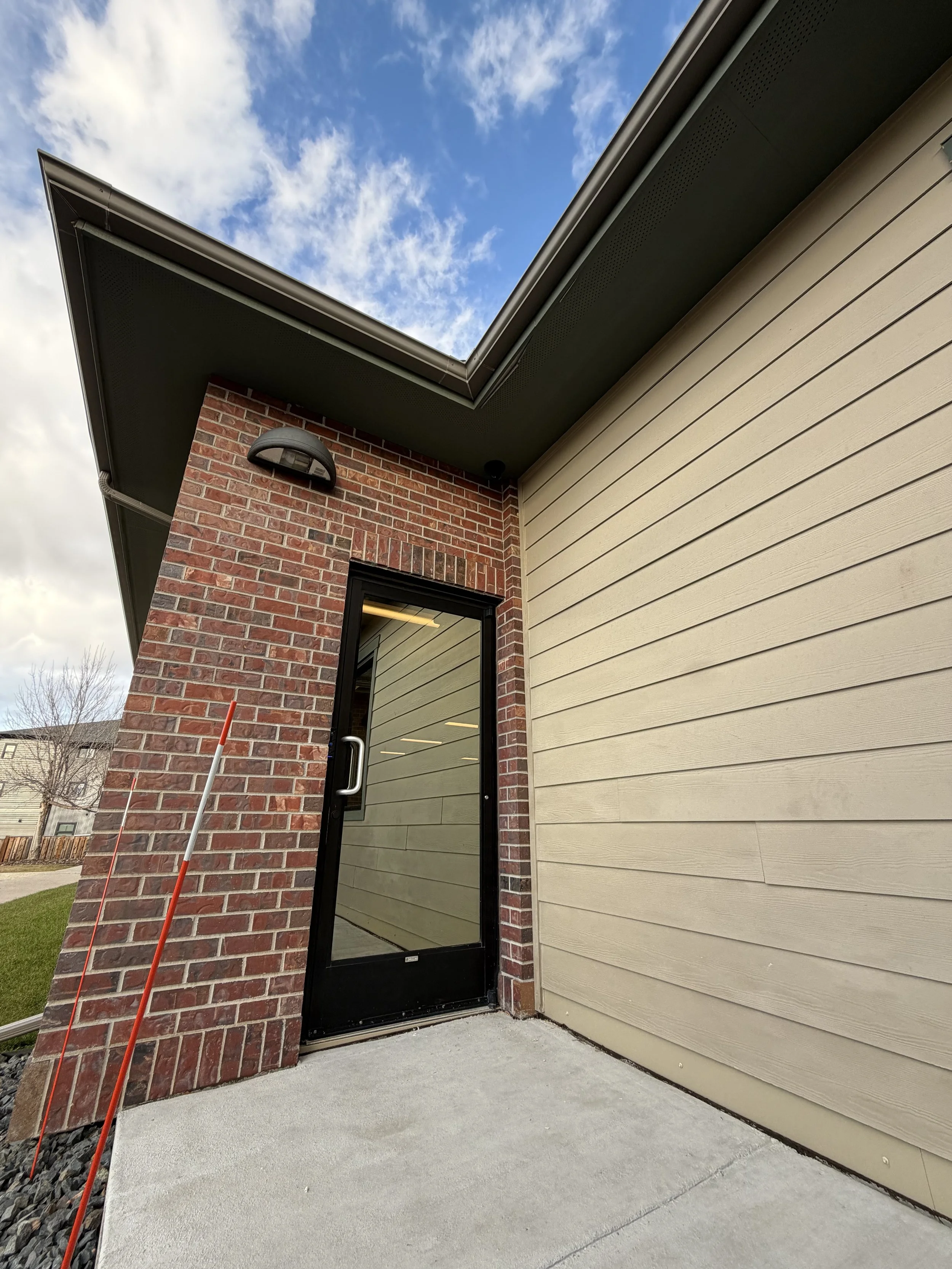
Security went in on the same Ubiquiti platform as the network, so the team manages it all from one place. Exterior cameras were mounted through the brick and record to a dedicated video recorder with its own storage, so camera footage never competes with the CAD files for space. Facial recognition and card readers went in at the controlled doors, each tied to its own door hub, and we ran the low voltage wiring to every door location. Staff get in with a card or a face scan, and access can be granted or removed from the same system that runs the rest of the network.
What's in place now
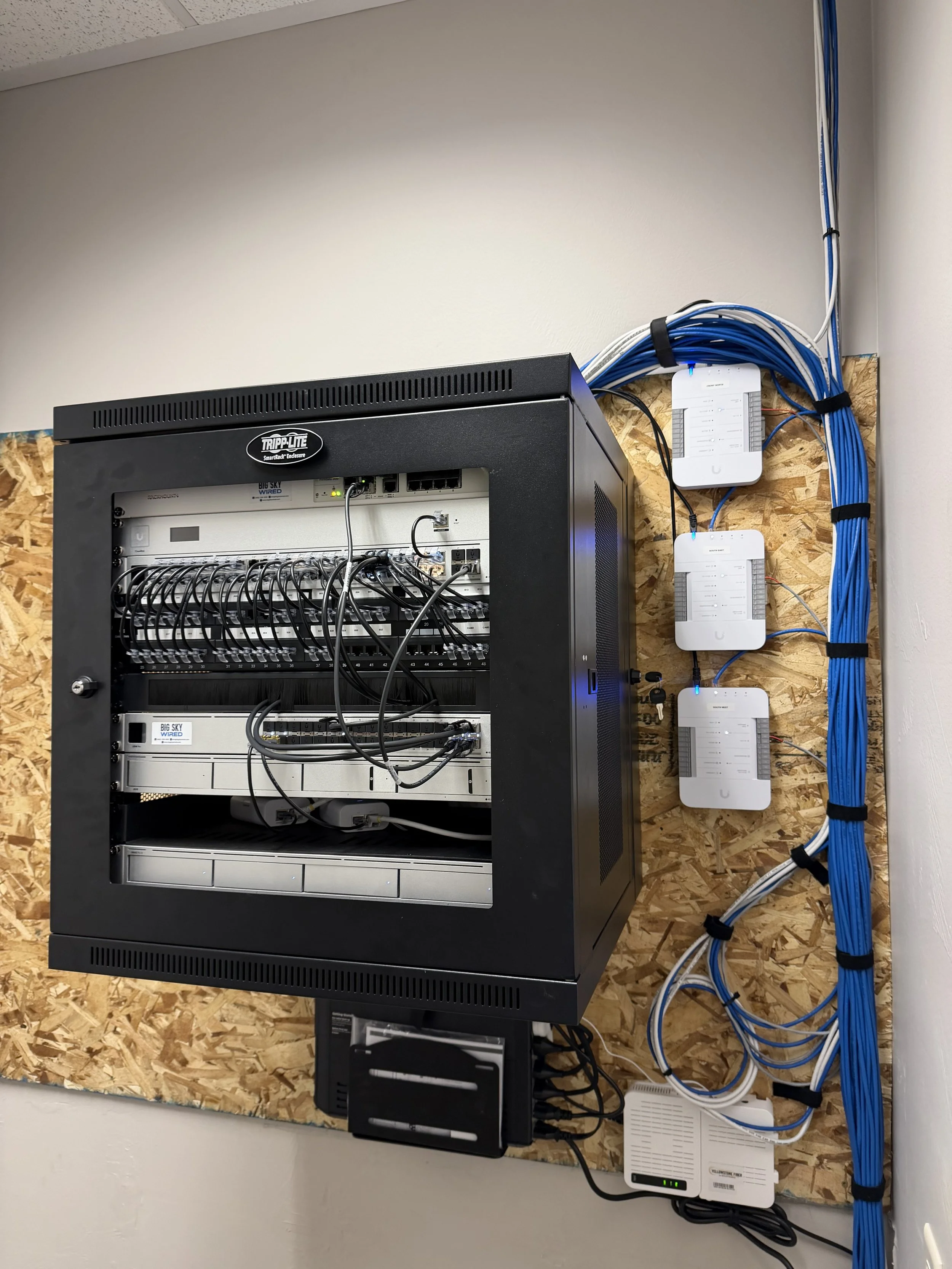
Ubiquiti PoE switching, with a high-speed aggregation layer for shared CAD storage
Network storage with read and write caching for large files
WiFi access points throughout the office
Fortinet firewall at the internet edge, with a fiber internet connection
Network controller and battery backup in a dedicated rack
Exterior cameras recording to a dedicated video recorder with its own storage
Facial recognition and card readers with door hubs on the controlled doors, managed alongside the network
Nine floor boxes and a fully labeled, tested Cat6 plant
The result
The team moved into an office that was wired, connected, and secured to fit how it works, with fast shared storage for big CAD files, cameras, and access control, all on one system built around their design.
Moving into a new office or building one out?
Bring us in early and we'll plan the cabling, network, cameras, and access control around your schedule and the way your team works, especially if your team lives in big files.
