
From On-Site Servers to Fully in the Cloud: Modernizing a Local Architecture Firm
At a glance
Client: A local architecture firm with projects across Big Sky and the Yellowstone Club
Type: Professional design office
Services: network and storage upgrade, Cat6A structured cabling, server retirement, Microsoft 365 with Entra ID and Intune, shared drive migration, Microsoft 365 security hardening
Scale: Two servers retired, every user and workstation now managed in the cloud
Platforms: Fortinet, Ubiquiti UniFi, Microsoft Entra ID and Intune
The constraint
The firm's files and logins ran through on-site Windows servers, including a 2012 platform Microsoft no longer supports. Architects move big files all day: CAD drawings, 3D models, and renderings that several people open and save on active projects. Shared storage had to stay fast, and the team couldn't stop working while we moved them. And like a lot of firms with high-profile clients, they were seeing more suspicious sign-in attempts and social engineering aimed at staff.
Phase 1: A new network and shared storage
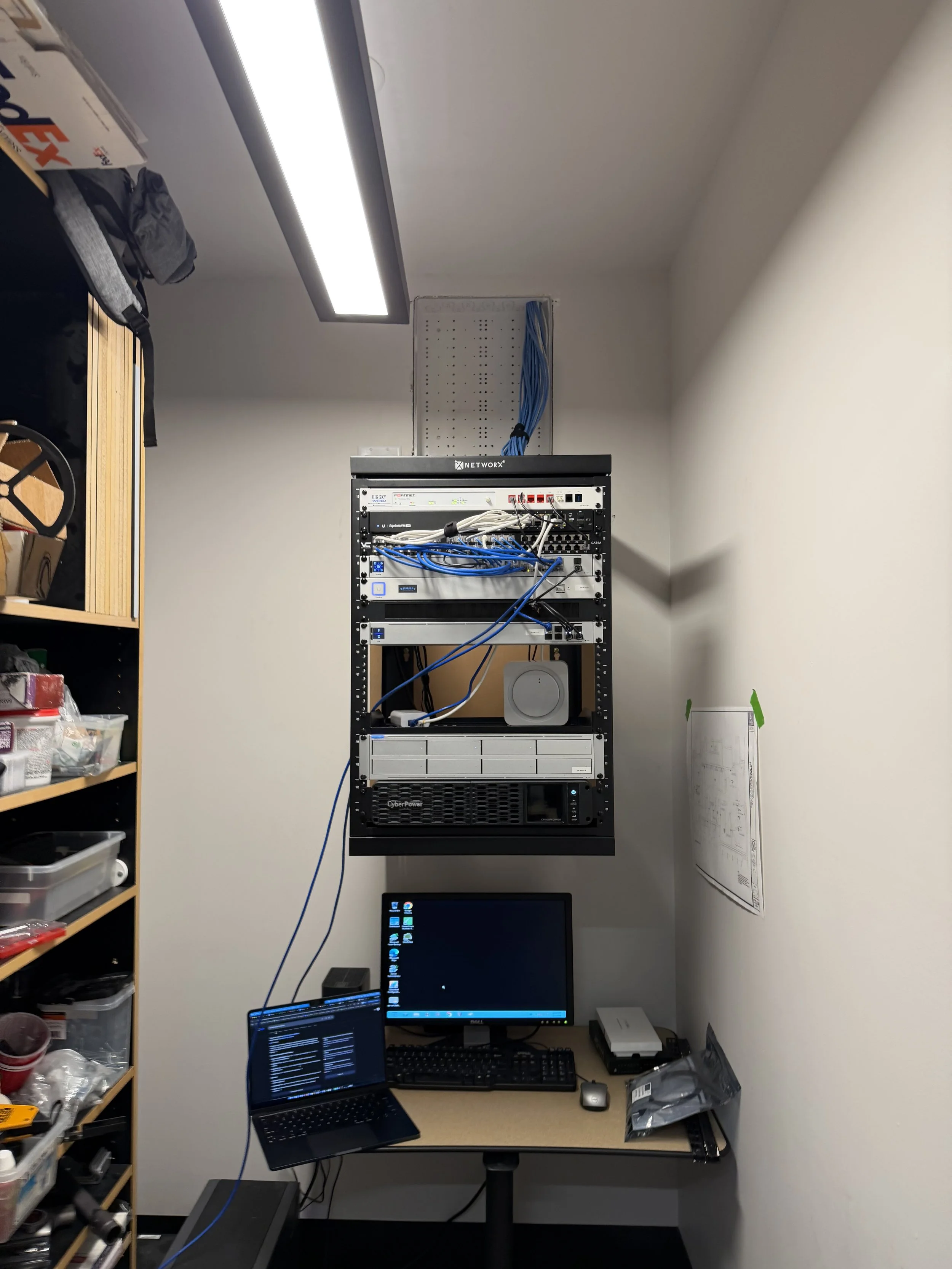
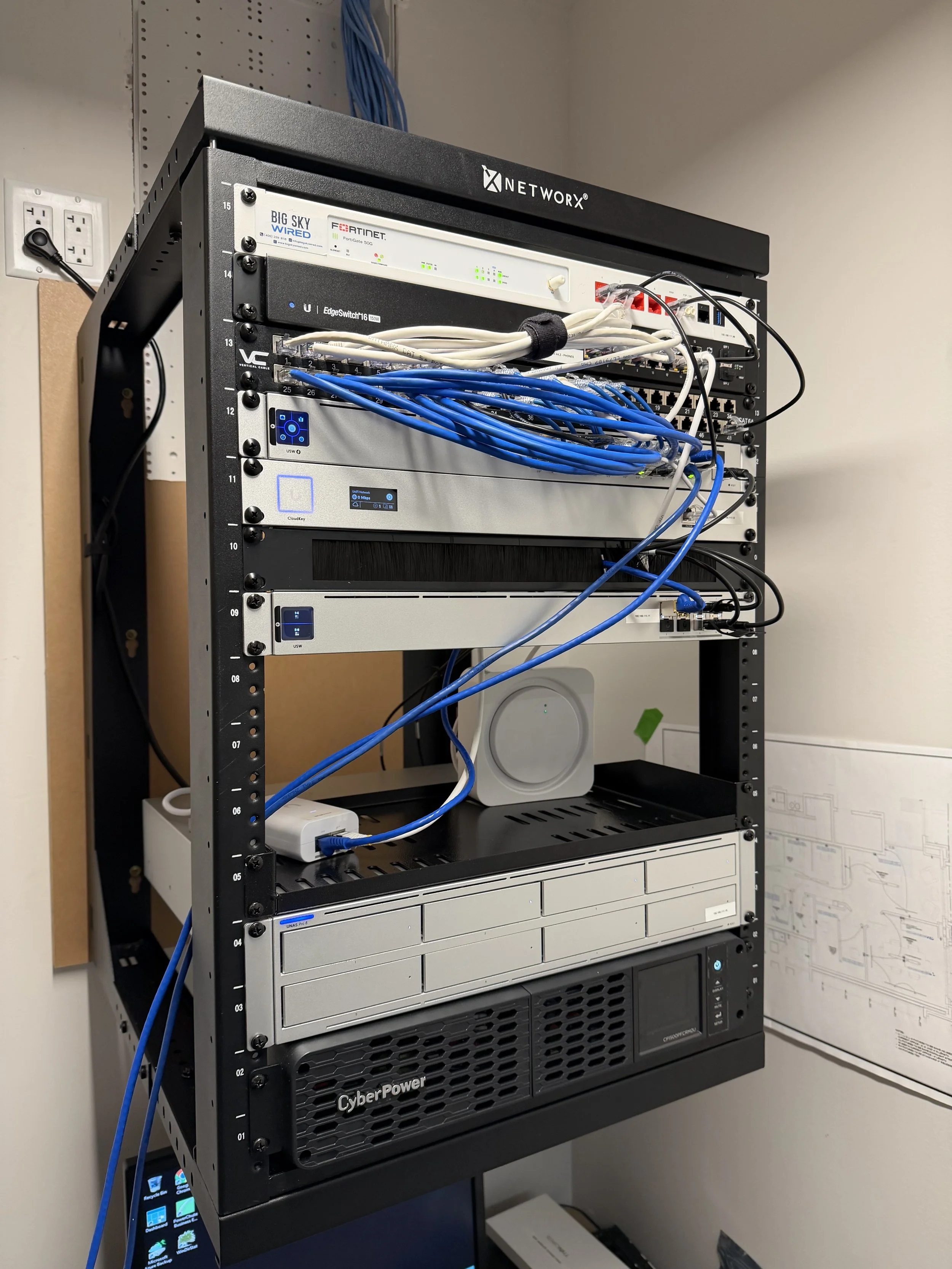
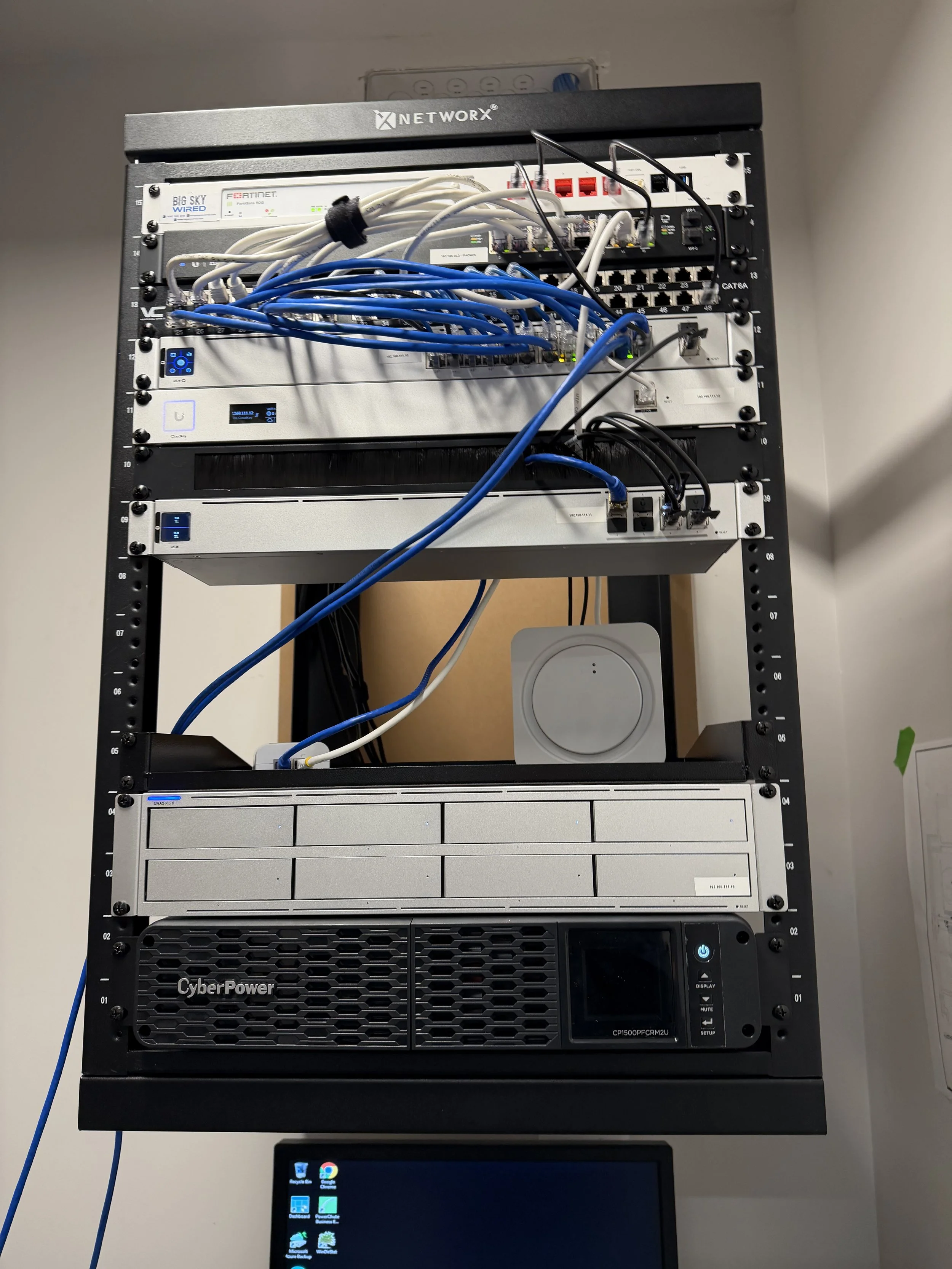
We installed a complete new network alongside the old one: a business-class firewall, managed PoE and aggregation switching, enterprise WiFi on new Cat6A cabling, and a battery backup that lets storage shut down safely in a power outage. Staff, guest, and corporate traffic each run on their own network. The firm's project files moved to a new multi-bay network storage appliance with enterprise drives, SSD caching, and a spare drive on hand, connected through a high-speed aggregation switch so big CAD and model files open and save at local-network speed. The cutover happened after hours.
Phase 2: Moving identity to Microsoft Entra ID and Intune
User accounts, permissions, and security groups moved off the old servers and into Microsoft 365 and Microsoft Entra ID. Every workstation is now joined to Entra and managed through Intune, so policies, updates, and security settings are applied from the cloud instead of a server in a closet. The storage appliance signs users in with the same accounts, and shared drives reconnect automatically when staff sign in, the same drive letters they've always used. Once everything was running on the new setup, both servers were decommissioned. The firm is now fully in the cloud.
Phase 3: Hardening Microsoft 365
With everything on one cloud platform, we added a security layer across it: modern identity protection, device checks, and email and endpoint threat protection on every workstation. Every change was documented for the firm's records.
What's in place now
Business-class firewall with separate staff, guest, and corporate networks
Managed PoE and aggregation switching, with enterprise WiFi on Cat6A
Network storage with enterprise drives, SSD caching, and an on-hand spare
Shared drives that reconnect automatically at sign-in
Every user and workstation managed in Microsoft Entra ID and Intune
Identity protection, device checks, and email and endpoint threat protection
No on-site servers left to patch, back up, or replace
Written documentation for the network, migration, and security setup
The result
The firm moved off aging on-site servers and is now fully in the cloud, with fast local storage for big project files and every device managed from one place, and the team kept working through the whole transition.
Is your office still running on an old server?
Architects, engineers, and other professional offices: let's map out a move to the cloud that keeps your files safe and your team working.
