
One Network Across a Whole Ranch: Upgrading a Private Property
At a glance
Client: A private ranch
Type: Private estate, multiple buildings
Services: network upgrade, Starlink internet and monitoring, firewall replacement, managed switching, WiFi 7 indoor coverage, outdoor wireless, fiber between buildings, structured cabling
Scale: 4 buildings, 15 access points, more than 1,000 feet of fusion-spliced fiber
Platforms: Starlink Performance, Fortinet, Alta Labs
The constraint
The ranch already had a network. The job was to upgrade it, not tear it out: keep what worked, replace the core, and extend reliable coverage to every building and the outdoor spaces between them. That meant a main house, a guest cabin, a caretaker residence, and a pavilion more than 1,000 feet from the cabin, all while the home stayed in use.
Phase 1: Learning the existing system
Before replacing anything, we documented the existing network remotely: what was connected, how it was configured, and which settings had to carry forward. We moved the old firewall's configuration to the new one with migration tooling instead of rebuilding it from memory, then set up network segmentation on the new system.
Phase 2: New internet and a new core
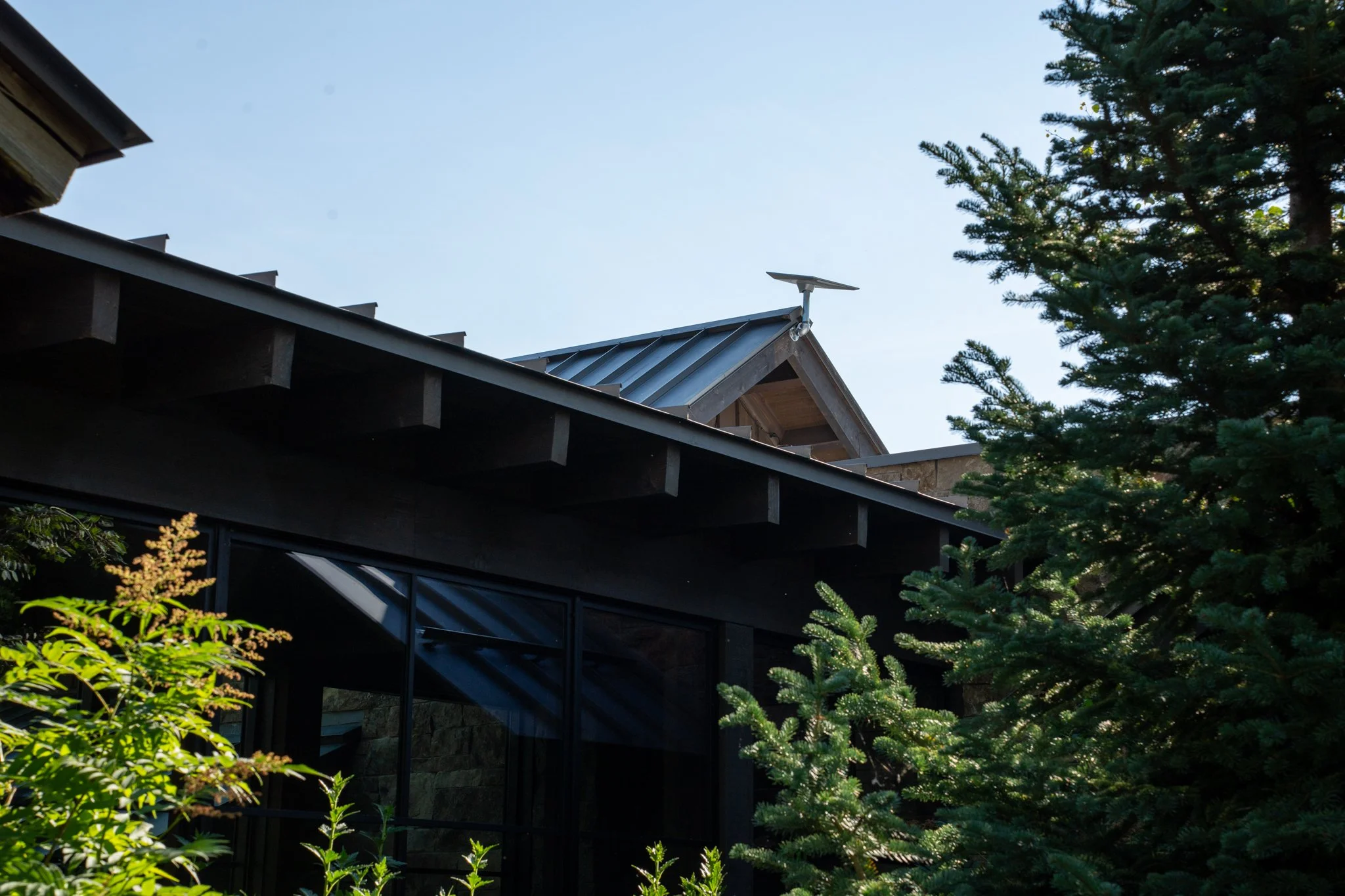
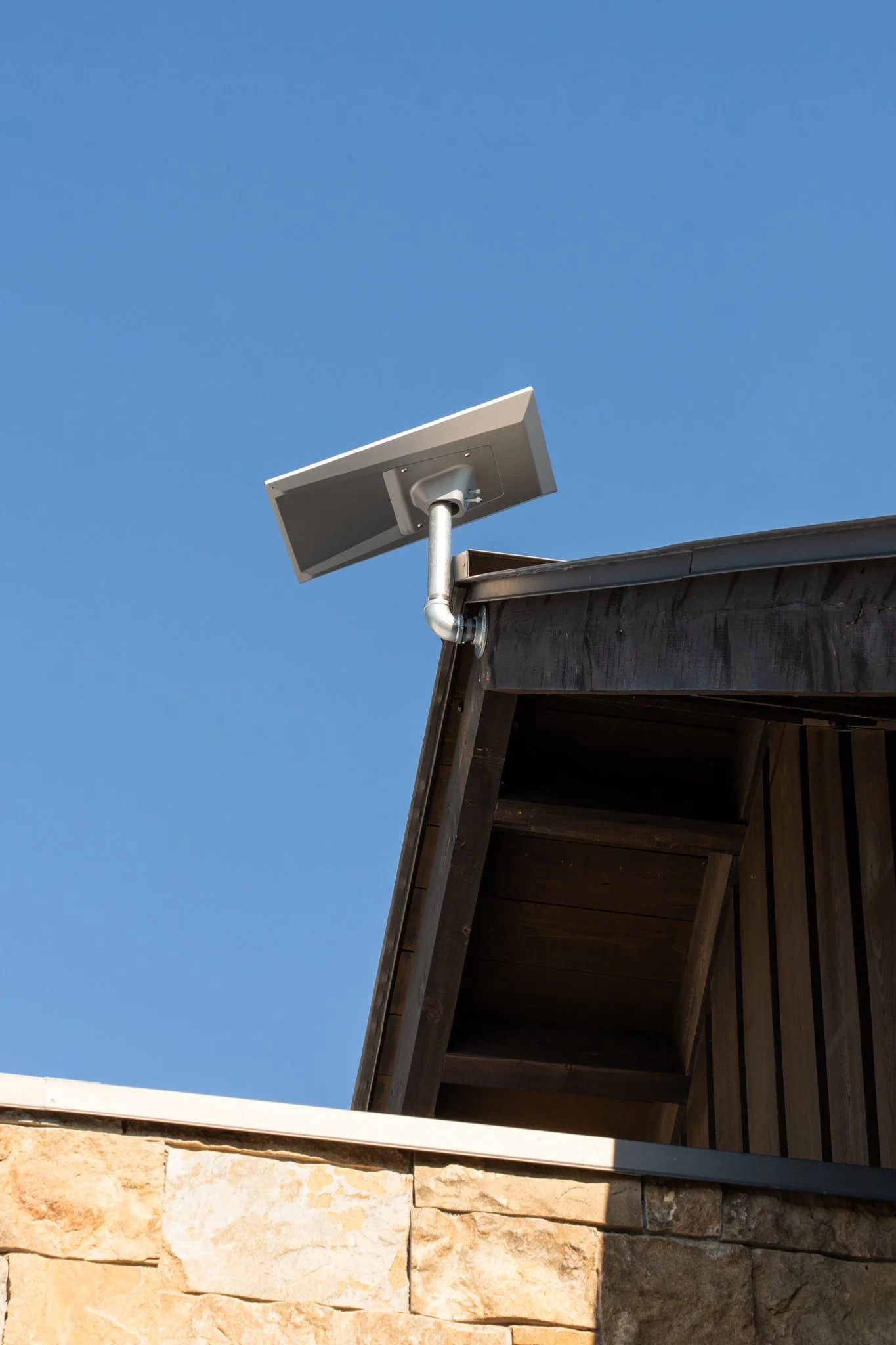
On cutover day we removed the old internet equipment and commissioned Starlink Performance at the main house. A new firewall with security services and new managed PoE switches went into the main house racks. The caretaker residence got its own separate Starlink connection, router, and switch, so that household runs on its own network.
As a Starlink reseller, we can monitor the property's Starlink service remotely from a dashboard outside the Starlink app, so we can see how the connection is performing without anyone on site having to check.
Phase 3: Coverage inside and out
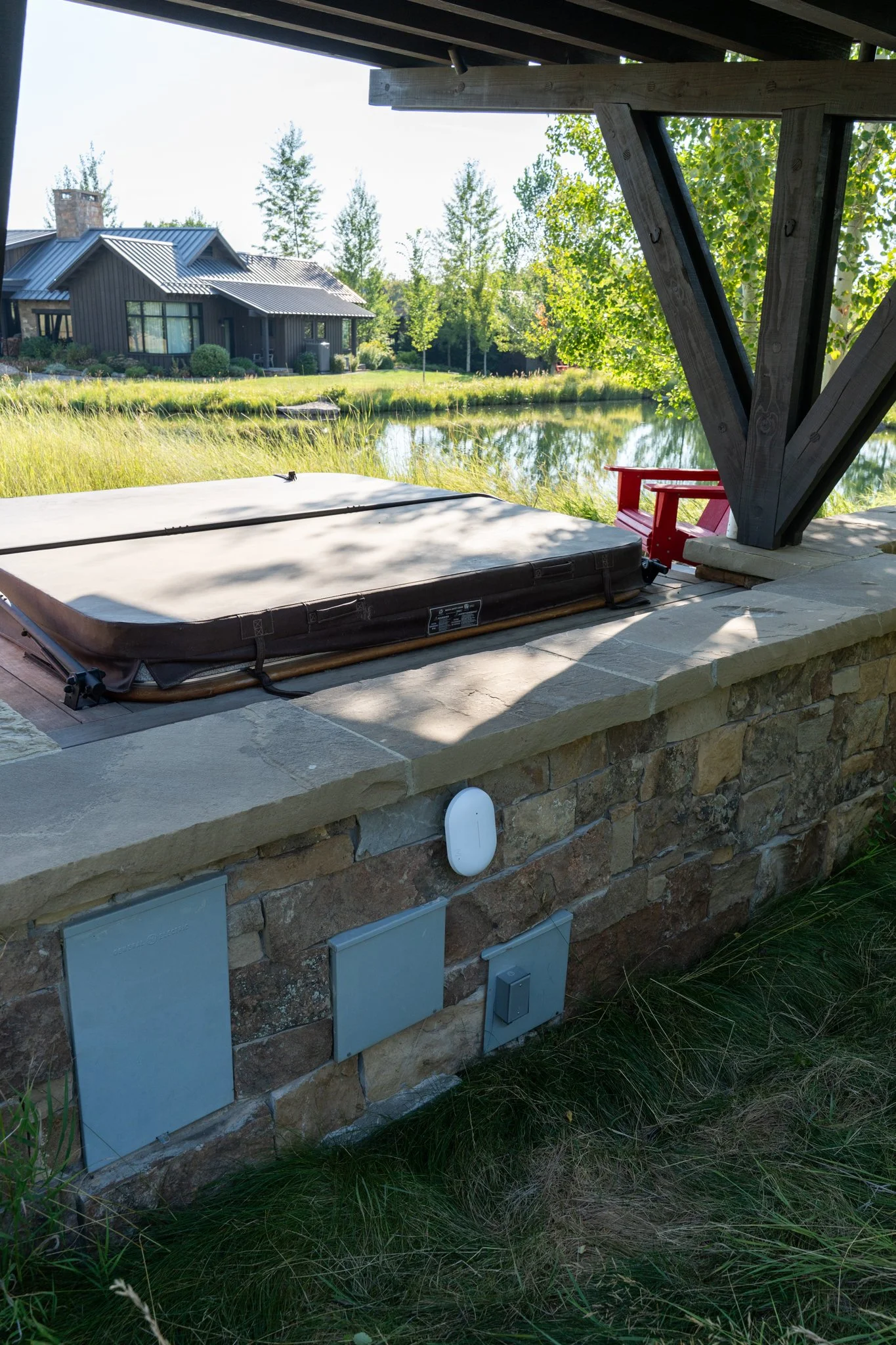
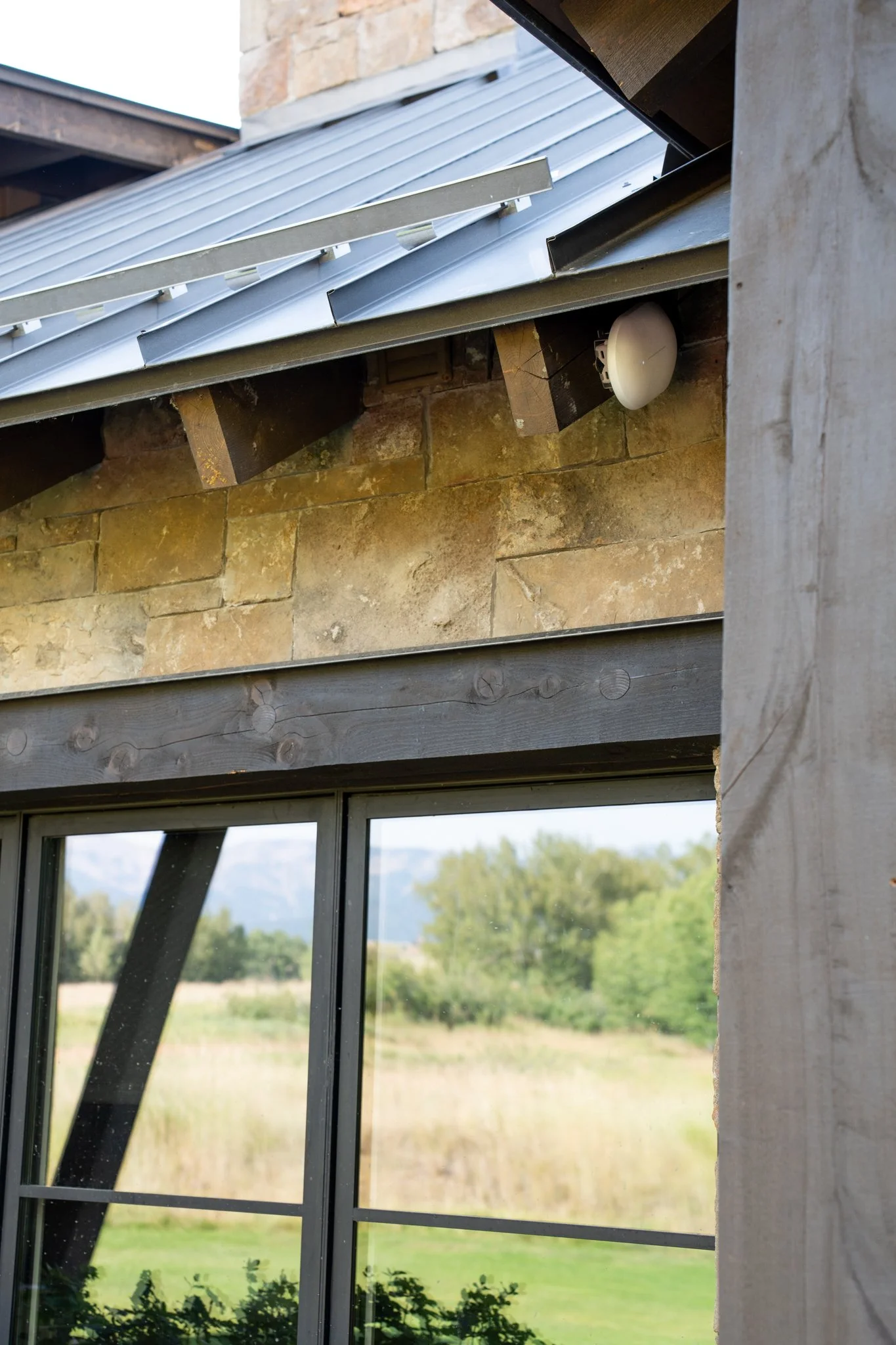
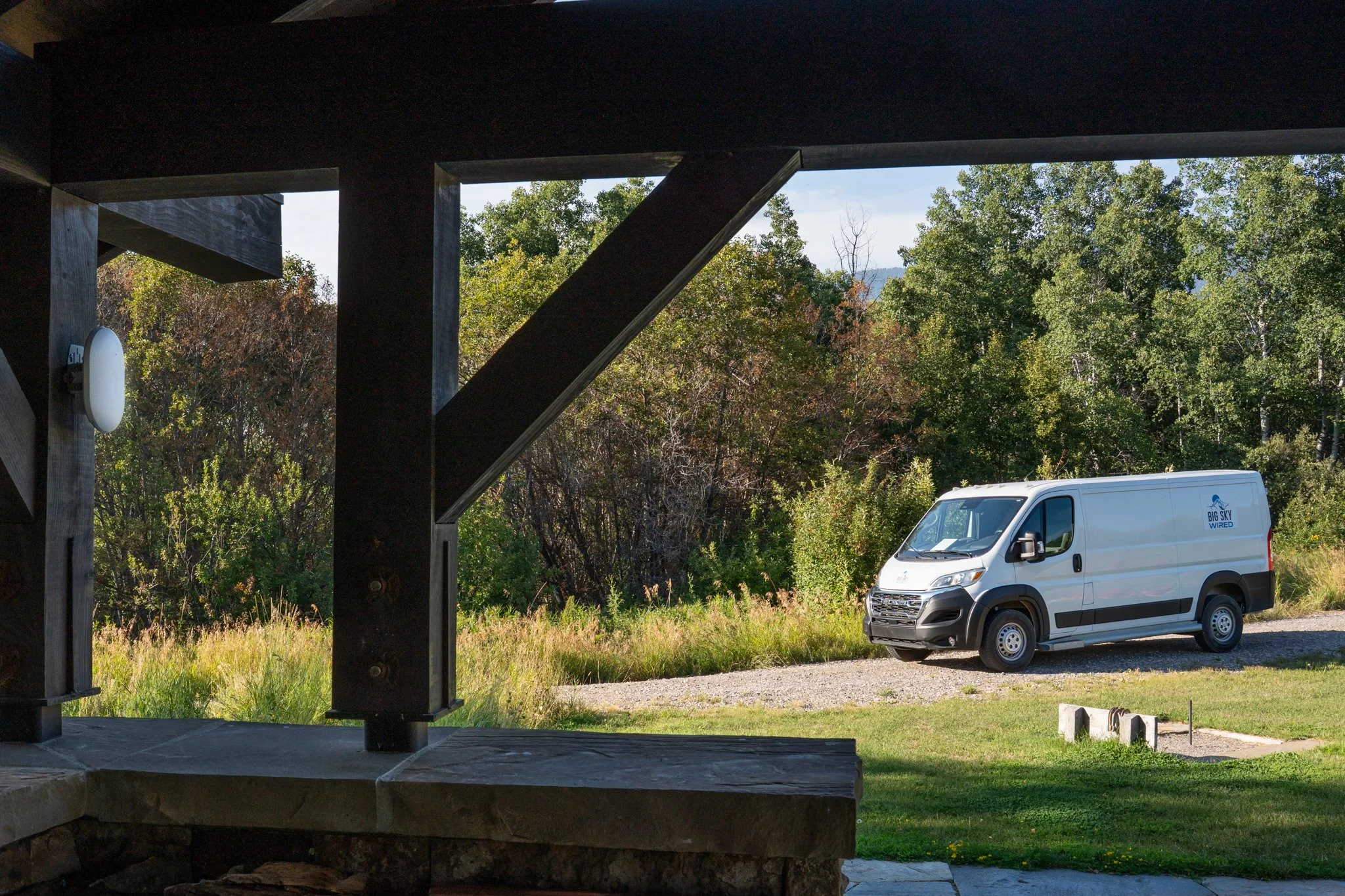
Fifteen access points now cover the property. WiFi 7 units went into the main living spaces of the house and the guest cabin, and weather-rated units outside cover the patios, the hot tub, and the pavilion. Reaching the east patio meant running new cable through walls, ceiling, and attic. We upgraded the garage location to an outdoor-rated unit for better exterior coverage, added one more outdoor access point along the way, and put a switch in the cabin to give its HVAC systems wired ports.
Phase 4: Fiber to the pavilion
The pavilion connects over existing underground conduit. Before pulling, the crew located and confirmed a break in that conduit so the pull would not fail halfway. We then placed 12-strand fiber from the cabin to the pavilion, installed fiber distribution panels at both ends, and fusion spliced the terminations. We coordinated and managed the fiber crew on site.
Phase 5: Locking it down and checking everything
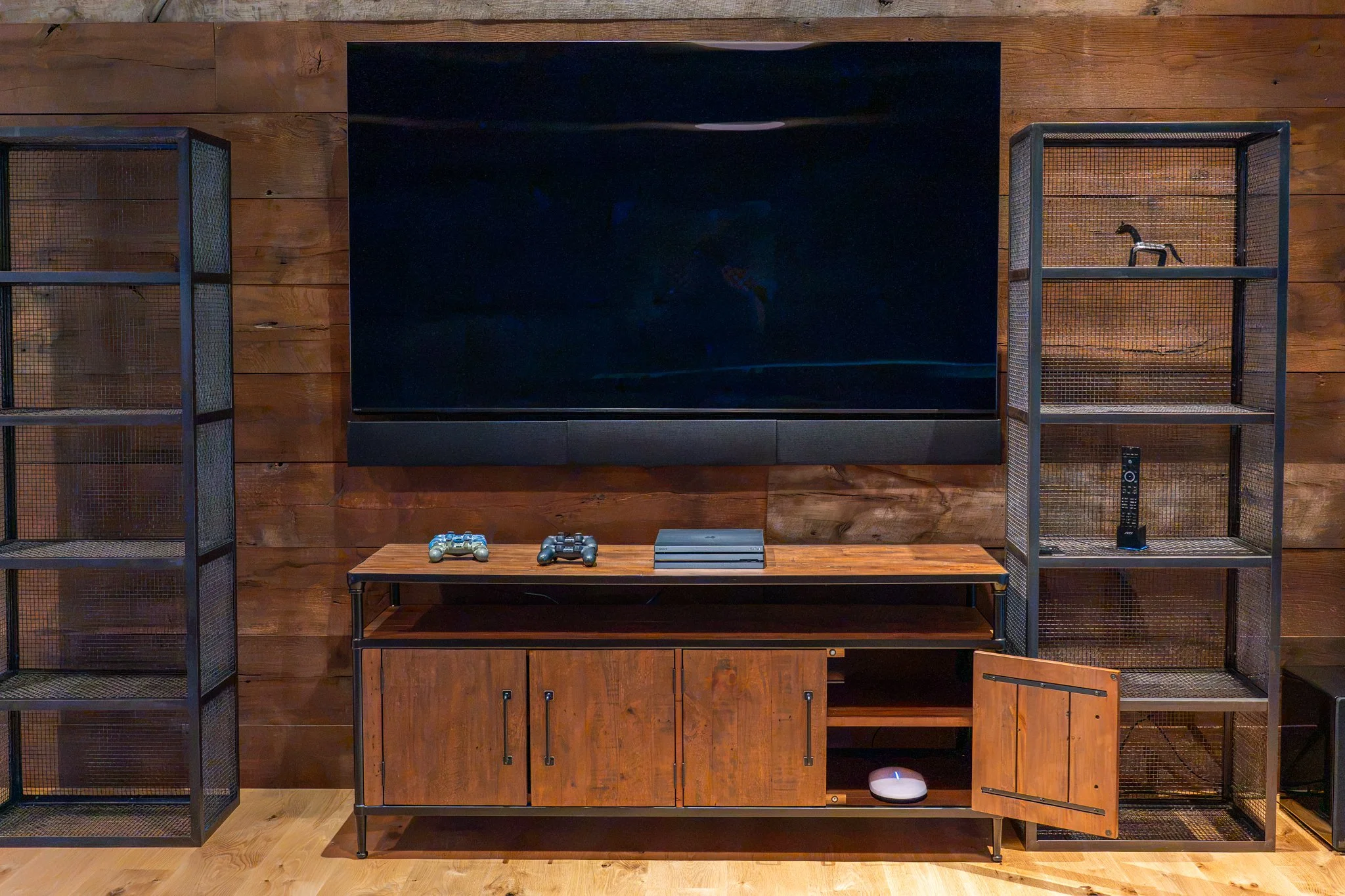
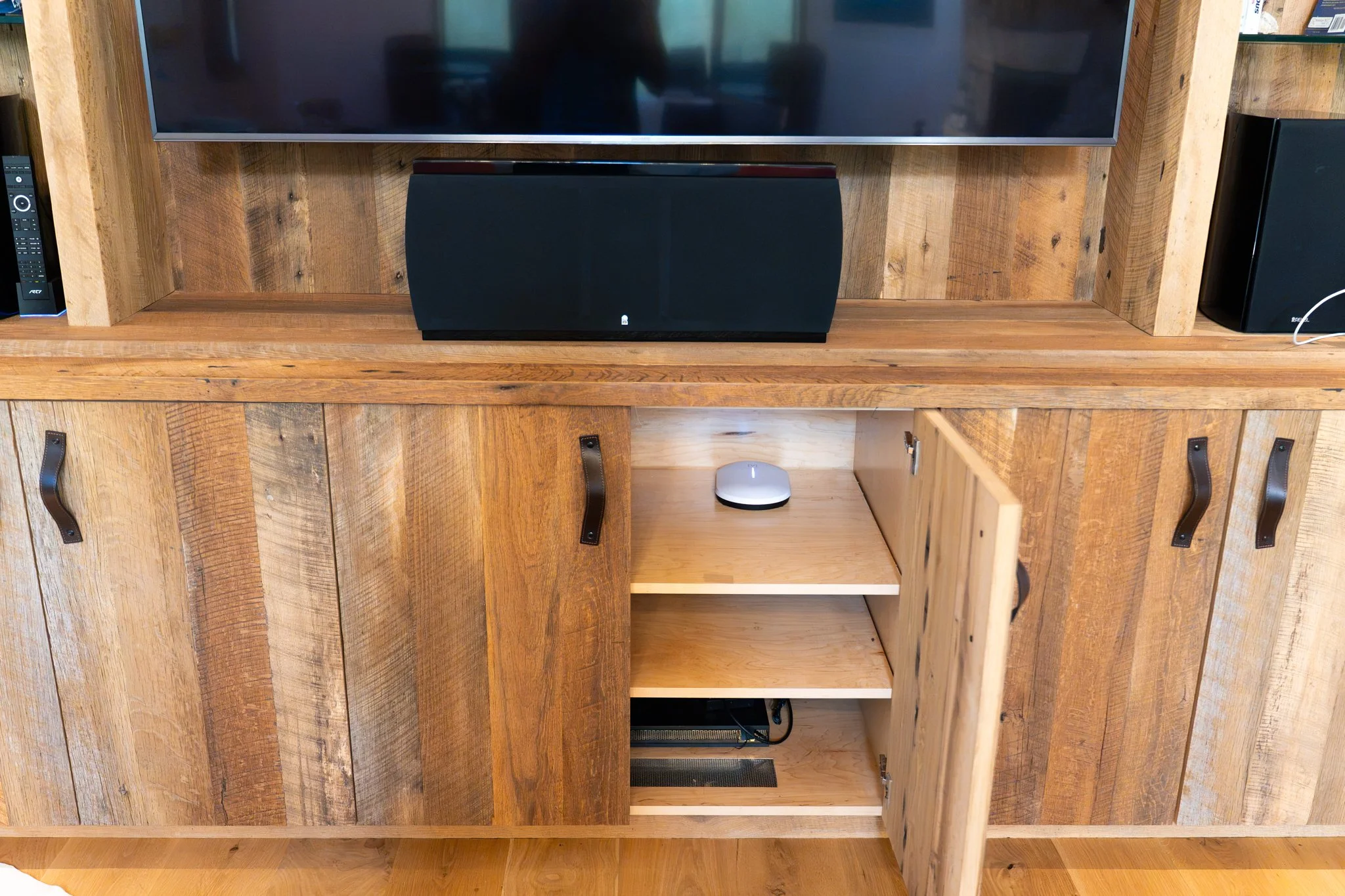
Every piece of network equipment was given a static address, so each device is always where we expect to find it. We didn't touch the home's audio and video system, but after the cutover we checked that it was working correctly on the new network before calling the job done.
What's in place now
Starlink Performance serving the main house, with remote monitoring
A separate Starlink connection and network for the caretaker residence
New firewall with security services and a segmented network
Managed PoE switching in network racks across the property
15 access points: WiFi 7 indoors and weather-rated units outdoors
Fusion-spliced fiber linking the guest cabin and the pavilion
Static addressing on all network equipment
Cloud-managed equipment we can reach remotely if anything comes up
The result
Every building on the ranch, plus the patios and the pavilion, now runs on one upgraded network, and everything is running well.
Own a ranch or estate with more than one building?
Guest houses, caretaker quarters, outbuildings, and the outdoor spaces in between: let's talk about getting all of it on one reliable network.
