
Opening or Moving a Restaurant or Storefront? Your Network Checklist
Opening a new restaurant or retail space is a hundred moving parts, and the network is the one that everything else quietly depends on. Your POS, your card payments, your kitchen displays, your cameras, your guest WiFi, all of it rides on infrastructure that has to be in place before you open the doors. Leave it to the last week and you are troubleshooting on opening night.
Here is the checklist we walk Bozeman-area owners through, roughly in the order it needs to happen.
1. Order your internet early
This is the one people underestimate. Business internet, especially fiber, can take weeks to install, and your open date does not move just because the ISP is backed up. Order it as soon as you have the space, confirm the install date in writing, and know which room the line lands in.
2. Pick where the network gear lives
Every space needs a spot for the rack and demarc: somewhere with power, a little ventilation, and security. A closet or a back-of-house wall works, but it should be decided before cabling starts, because everything runs back to it.
3. Hard-wire what matters
WiFi is for guests and handhelds. Your POS terminals, kitchen displays, printers, and back-office machines should be on wired connections, because a dropped wireless signal mid-service means a stalled order or a declined card. That means running enough cable drops to every terminal, printer, and display before the walls close up.
4. Plan a segmented network
A good POS network keeps things separated: one lane for point-of-sale and payments, one for staff and back office, and a separate guest WiFi that never touches either. This keeps a guest streaming video from slowing your registers and keeps your payment traffic isolated. To be clear, we design and segment the network; your POS vendor and payment processor own formal compliance. Our job is to make the network side clean.
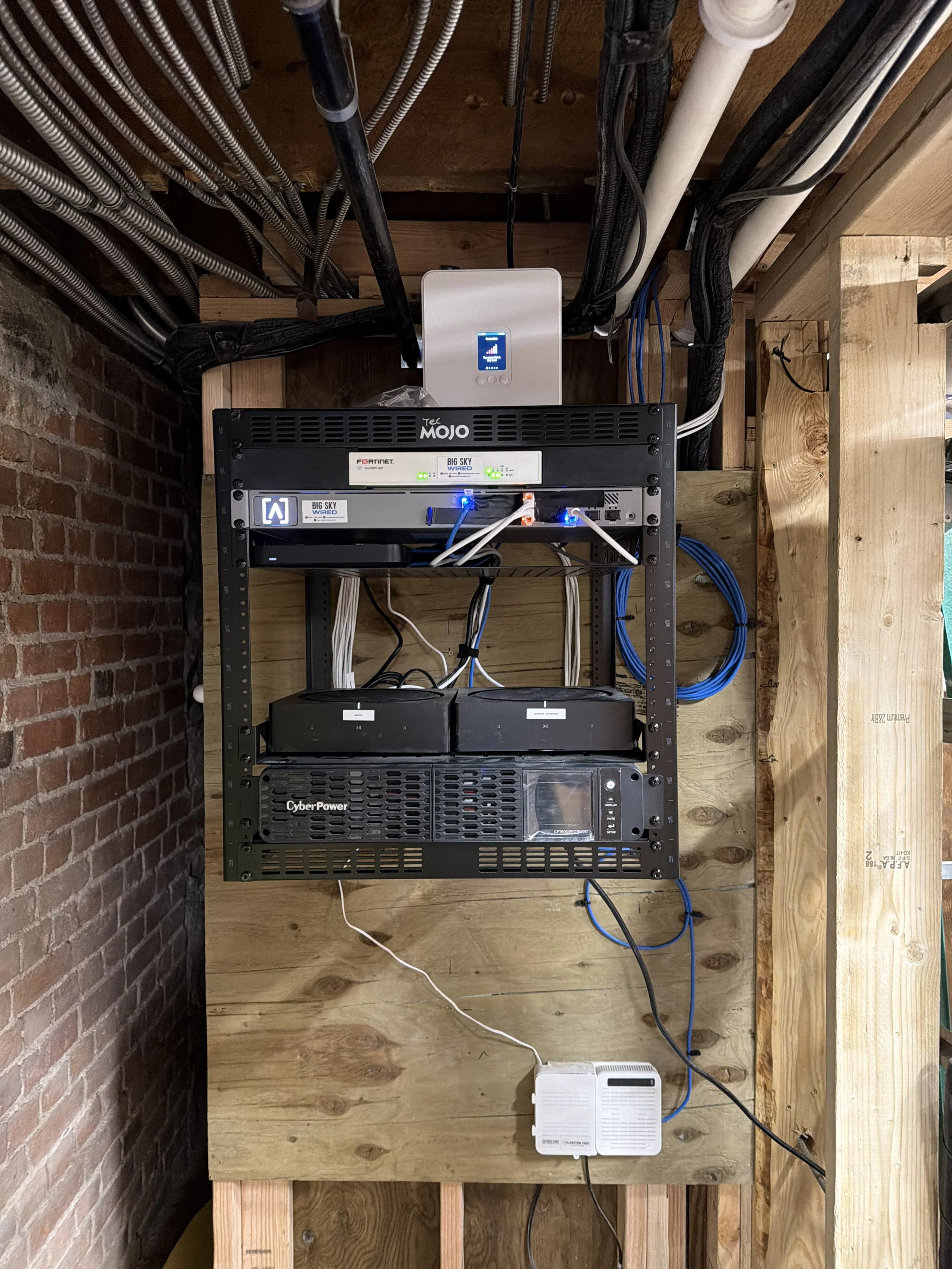
5. Add a backup internet connection
One internet line is a single point of failure, and for a business taking payments that is a real risk. A cellular failover connection takes over automatically if your main line goes down, so you keep ringing up sales through an outage instead of turning customers away.
6. Get the cabling in before the finishes
Cabling is far cheaper and cleaner before drywall, millwork, and cabinetry go in. Cashwrap counters, host stands, and bars usually need stub-outs built into the millwork, so those locations have to be decided while the space is still open. Coordinating this with your contractor early is what keeps you from fishing walls later at a premium.
7. Coordinate with your POS vendor's timeline
If you are installing Toast, Aloha, or another system, their onboarding team has a schedule too. The network needs to be live and tested before their install date so their team walks into a working environment, not a construction site. We coordinate directly with POS onboarding teams to line this up.
8. Set up guest WiFi the right way
Guest WiFi is part of the experience, but it should be its own separate network, ideally with a simple splash page and sensible limits so it cannot bog down or reach anything it should not. It is a small touch that keeps customers happy without creating a security gap.
9. Plan cameras and access control with the build
If you want security cameras or card-access doors, plan them now, not after opening. The cabling and mounting are far easier while the space is under construction, and door access ties into hardware the contractor may be installing anyway.
10. Insist on testing and documentation
Before you rely on any of it, every cable should be tested and every run labeled, with a simple map of what is where. It costs almost nothing at install and saves you a fortune the first time something needs troubleshooting during a busy service.
Start before the walls close
The theme through all of this: the network is a construction-phase decision, not a final-week scramble. The earlier it is planned, the cheaper, cleaner, and more reliable it is.
If you are opening or moving a restaurant or storefront in the Bozeman area, we can help you get the POS network and commercial network right from day one. Send us your plans or your timeline and we will build you a clear plan.
