
Getting Real Performance Out of Starlink on a Large Property
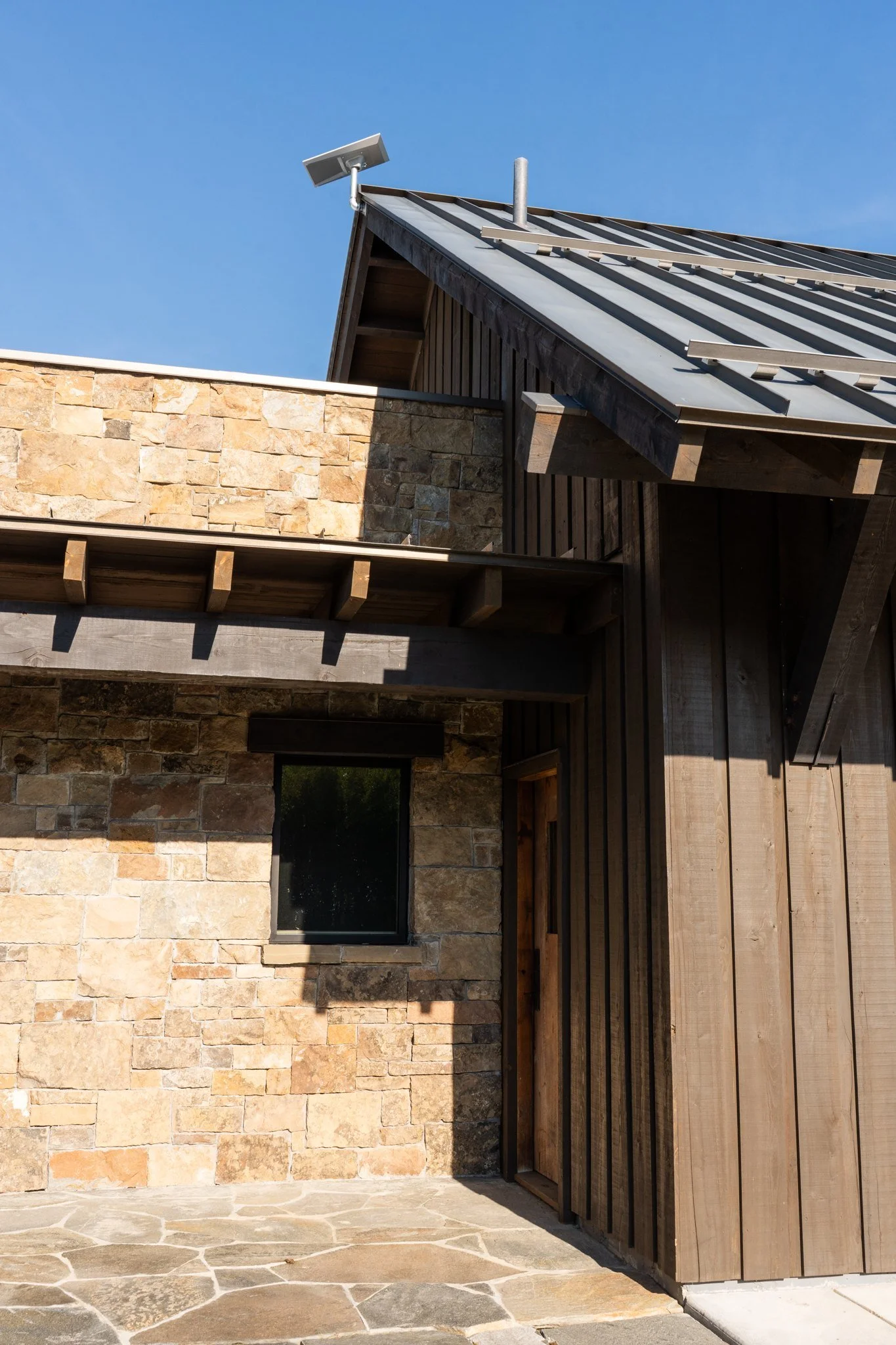
For a lot of properties around Big Sky, Bozeman, and the more remote corners of the valley, Starlink is the difference between usable internet and none at all. It has been a genuine game changer for rural Montana. But on a large property, we often get called in because Starlink is "not working right," and nine times out of ten the dish is fine. The setup around it is the problem.
Placement is everything
Starlink needs a genuinely clear view of the sky. Every tree branch, roofline, or chimney that clips its field of view causes a brief dropout, and on a treed mountain property those add up fast into the stalls and buffering people blame on the service.
Getting it right usually means mounting the dish higher than the default tripod allows: a roof mount, a pole above the tree line, or a location chosen after actually checking the obstruction data rather than guessing. It also means planning the cable run back to your equipment before anything is mounted, because the dish and your network gear are often a long way apart on a big property.
Don't rely on the Starlink router alone
The router in the box is capable. The current Gen 3 unit is tri-band and handles a busy household well on its own. What it cannot do is blanket a large multi-level home, let alone a guest house and outbuildings, from a single location.
On a large property, the right move is to put the Starlink router into bypass mode, which turns it into a simple passthrough, and let a proper router and a set of access points handle the network. This avoids the double-NAT headaches that break cameras, VPNs, and remote access, and it lets us build coverage that actually reaches every corner of the property. (More on that in our companion piece on whole-property coverage: Why a Big House Needs More Than Mesh WiFi.)
Match the plan to the property
Not every Starlink plan is the same, and a large property with heavy use, security cameras, and people working from home has different needs than a weekend cabin. The higher service tiers offer priority data and the option of a public IP address, which matters if you are running cameras, remote access, or a VPN back to the property.
Plans and pricing change often, so the right answer is to look at how the property is actually used and choose accordingly rather than defaulting to the basic tier and wondering why it slows down at peak times.
Build in redundancy
Starlink is satellite internet. A heavy snow load on the dish, a rare obstruction event, or a service interruption can take you offline, and on a property that runs security systems and remote access, offline is not an option.
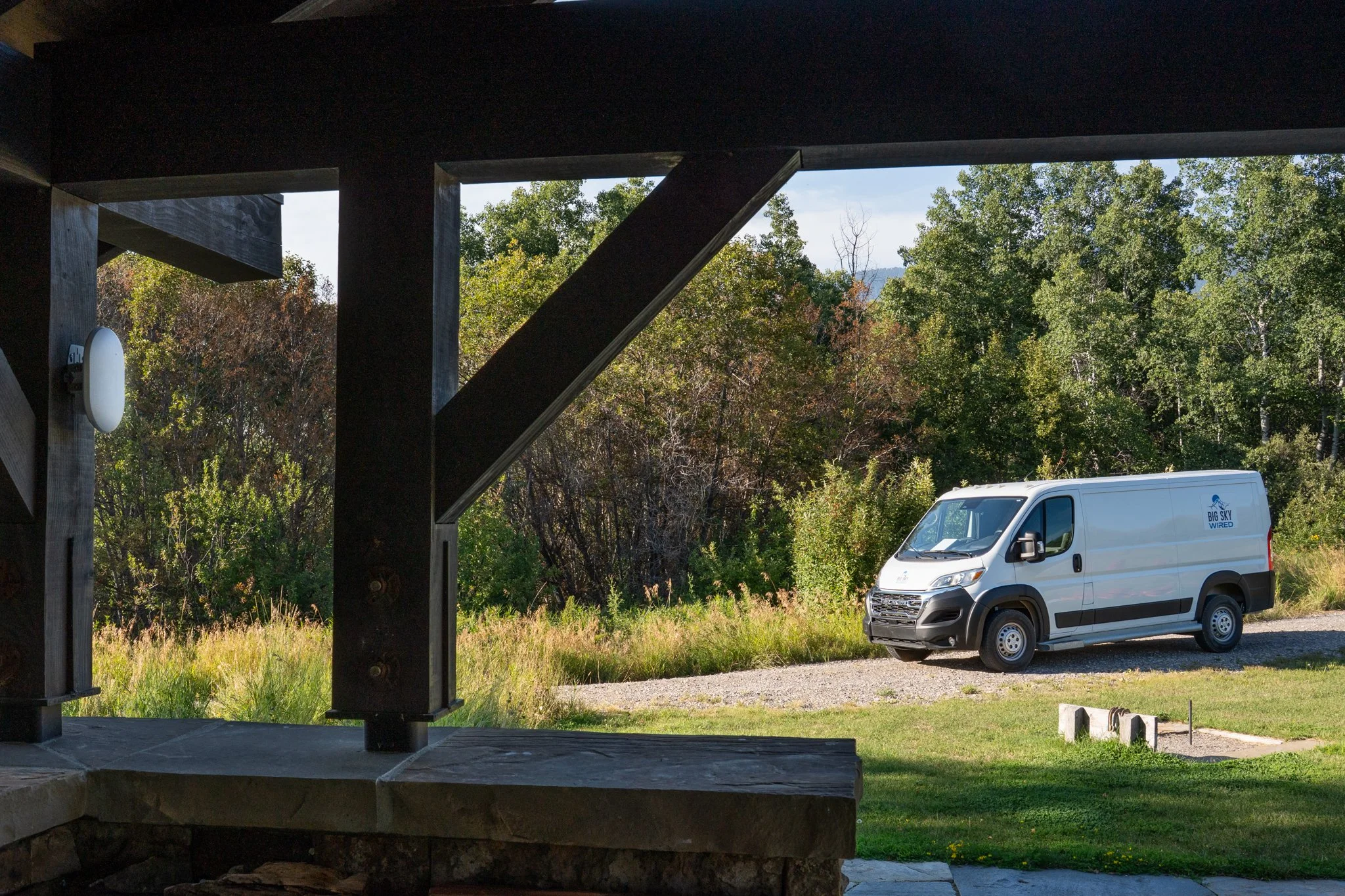
We design large-property connections with failover: a cellular backup that takes over automatically if Starlink drops, so cameras keep recording, door access keeps working, and no one loses a video call. The homeowner never notices the switch, which is the whole point.
The whole system has to work together
A dish, a router, coverage, a plan, and a backup are not five separate purchases. They are one system, and the performance you actually get depends on how well they are designed to work together. That is the difference between Starlink that frustrates you and Starlink that you never think about.
If you have a large property near Big Sky or Bozeman and your Starlink is not delivering what it should, we can help. Learn more about our estate network management for private properties across the region, or reach out and we will take a look at your setup.
