
Ask ten people in Big Sky how their internet is and you'll get ten different answers. That's not because one provider is good and another is bad. It's because Big Sky is spread across a canyon, a meadow, and a mountain, and the options at one address can be completely different from the options a mile up the road.
Here's how we help homeowners, property managers, and businesses sort it out.
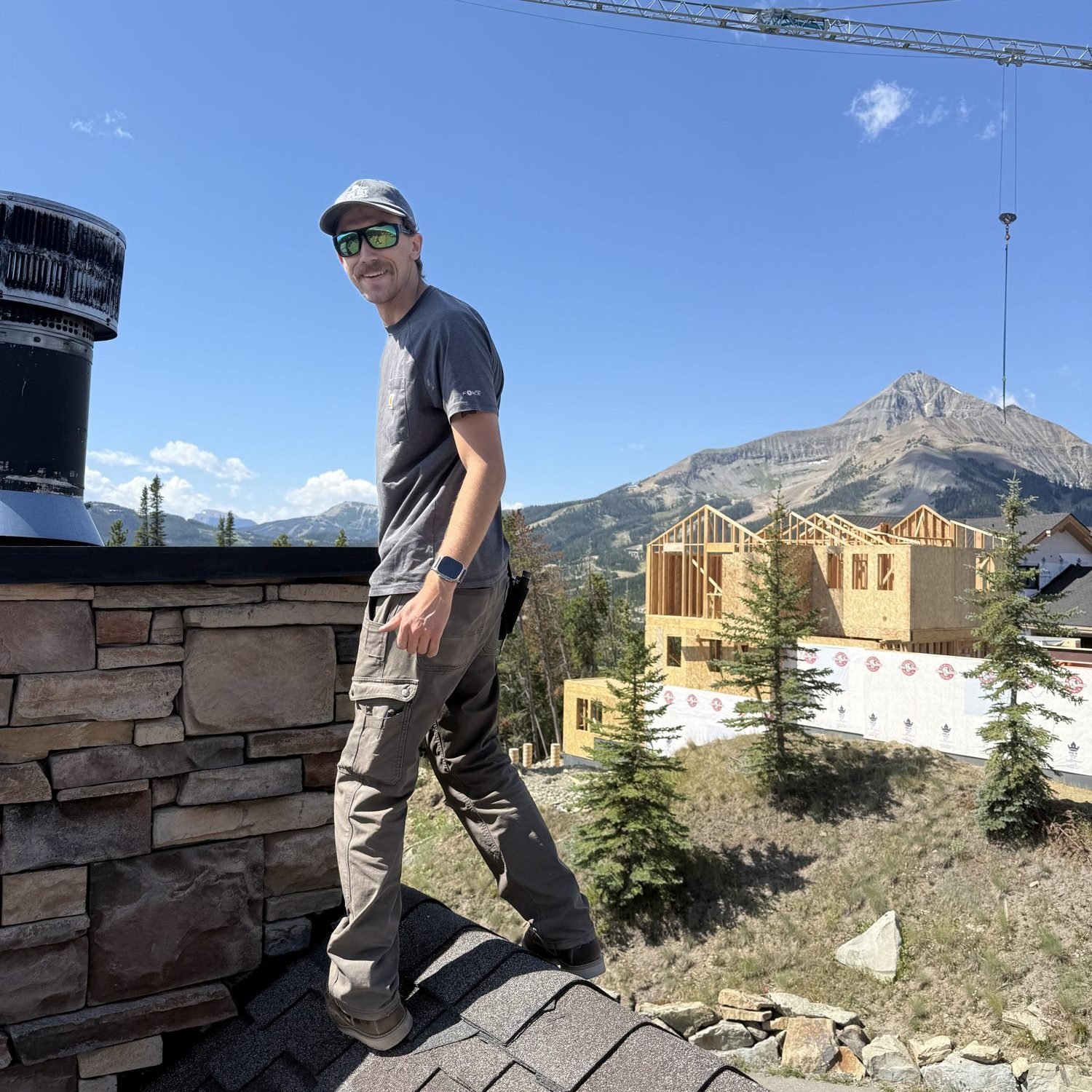
Start with what's available at your address
Before comparing anything, find out what can actually reach your property. Two quick ways:
Check the provider's own availability lookup with your exact address, not just the ZIP code.
Look up the address on the FCC National Broadband Map, which shows the services providers report at each location.
Third-party comparison sites are a useful starting point, but they often disagree with each other on coverage and speeds. Treat them as a rough guide and confirm with the provider.
The main options in Big Sky
Fiber. Where it's available, fiber is the strongest choice for most homes and businesses: fast, consistent, and not affected by weather or trees. In Big Sky, fiber comes from 3 Rivers Communications, the local telephone cooperative, which has been converting its older copper lines to fiber across its service area. We've built the networks for Big Sky homes running on 3 Rivers fiber, and when it's available at your address, it's where we start.
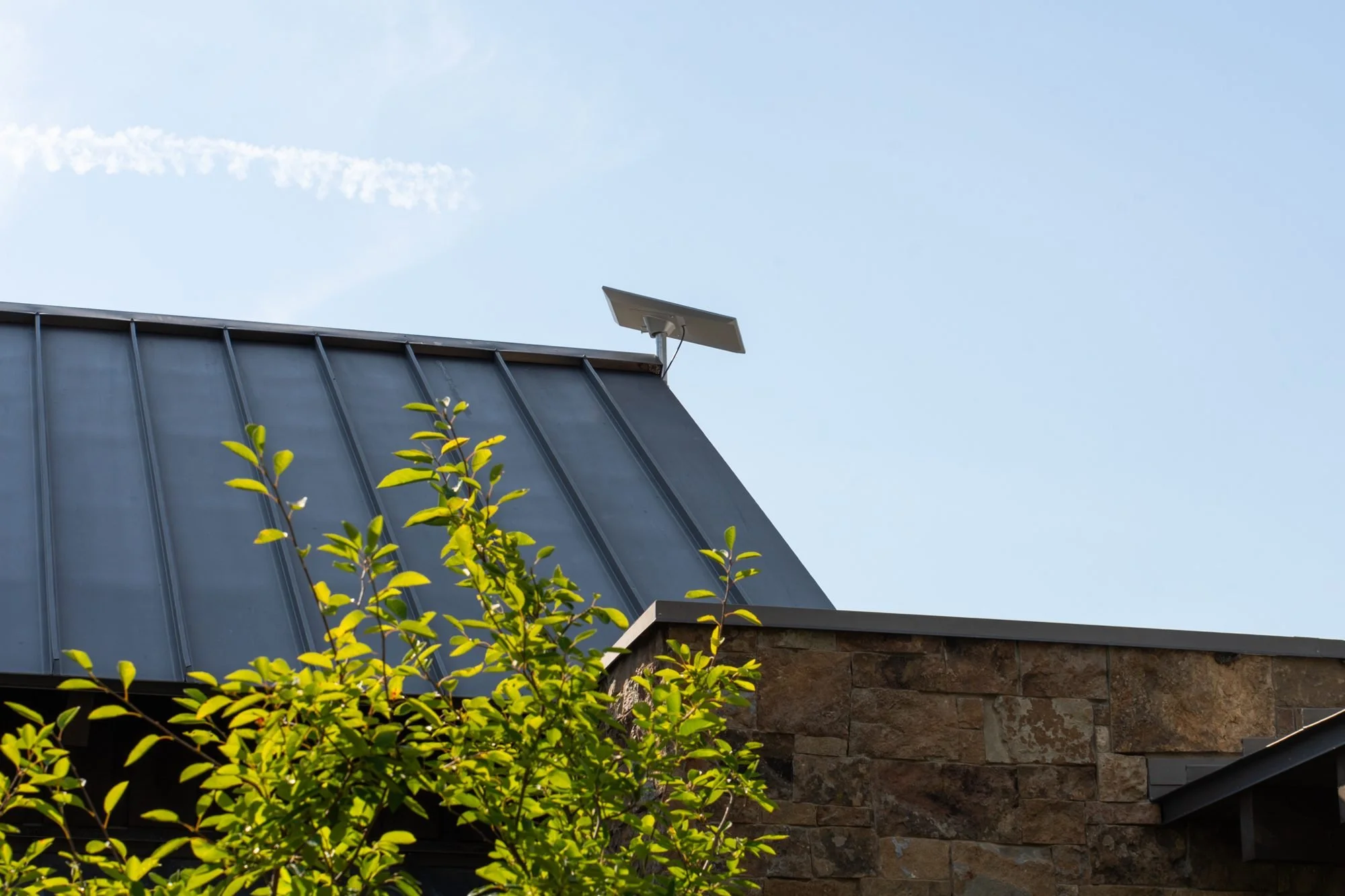
Starlink. For properties fiber hasn't reached, or as a second connection, Starlink has changed what's possible in the mountains. The catch is placement. Starlink needs a clear view of the northern sky, and in Big Sky that means working around lodgepole pines, ridgelines, and heavy snow. The right spot is often not the roof of the main house. It might be a pole mount, an outbuilding, or a ground mount with a buried cable back to the network. We supply the equipment and service plan through our Starlink partner, or we can install a kit you already own.
Fixed wireless. Some addresses can also get fixed wireless from a nearby tower, which depends on a clear line of sight.
Cellular. A cellular connection rarely makes sense as the only internet for a busy home or business, but it makes an excellent backup.
For most properties, the answer is two connections
The question we hear most is "which one should I get?" For anything that can't go down, our answer is usually two: a primary connection and a backup that takes over automatically.
That might be fiber with Starlink as backup, or Starlink with cellular as backup. The firewall watches both, switches to the backup when the main line drops, and switches back when it returns. For a restaurant during dinner service, a rental with guests checking in, or a homeowner who works remotely, that automatic failover matters more than any speed number.
The connection is only half of it
A fast connection coming into the building doesn't help if the WiFi can't reach the bedrooms, the shop, or the guest house. In Big Sky we see a lot of properties with excellent internet and poor coverage inside, usually because of:
Large homes with stone, log, or concrete walls that block WiFi
Consumer routers trying to cover several thousand square feet
Outbuildings and guest houses with no real connection to the main network
Cameras, door locks, and smart home systems all sharing one network with guests
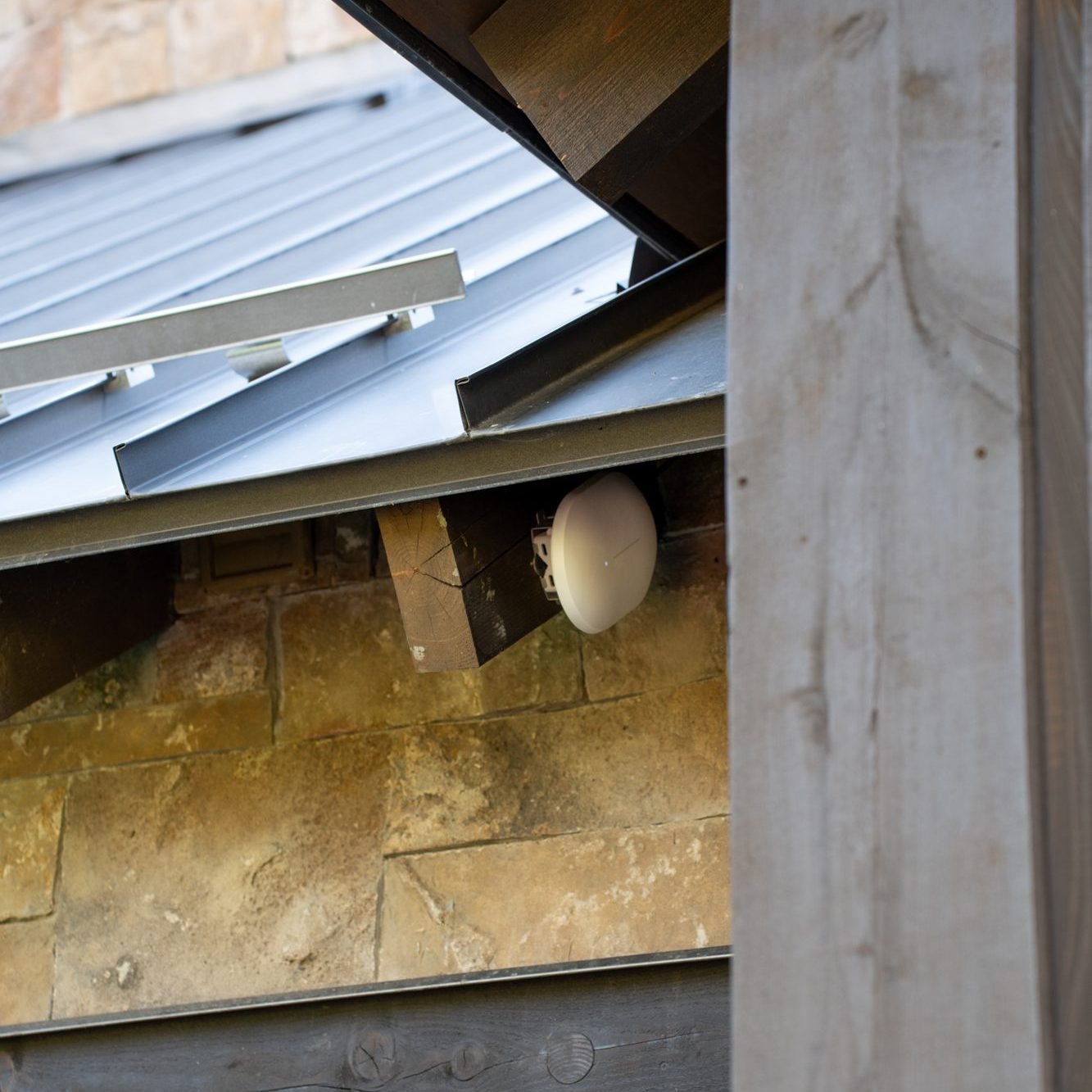
The fix is a network designed for the property: wired access points where they're needed, a proper firewall, separate networks for guests and household systems, and a link to each outbuilding by wireless bridge or buried fiber.
Part-time owners and rentals
Many Big Sky properties sit empty for weeks at a time. That's when problems go unnoticed until the owner or the next guest arrives. Remote monitoring changes that. We can see when a connection drops, when a device goes offline, or when the backup has taken over, and we can fix many issues before anyone is on site. See how we handle this on our Estate Network Management page.
How we approach a Big Sky property
Confirm what's available at your address, including fiber.
Survey the site for Starlink placement if it's part of the plan, including trees, ridgelines, and snow load. Every roof penetration is sealed and the cable is secured along the roofline.
Design the network inside, covering every building that needs it.
Set up failover so a dropped connection doesn't mean a dropped day.
Monitor it remotely if you'd like, so problems are caught early.
If you're sorting out internet for a home, rental, or business in Big Sky, send us your address and a little about how the property is used. We'll tell you what's available and what we'd recommend.
See our Custom Starlink Installation page or our Commercial Networking page for more.
